

Appointments & reminders
See the bookings your agents make, send automatic reminders, and set your open hours.
Appointments & reminders
When your agents book appointments, three tools keep those bookings on track: the Calendar, Reminders, and your business hours.
Calendar
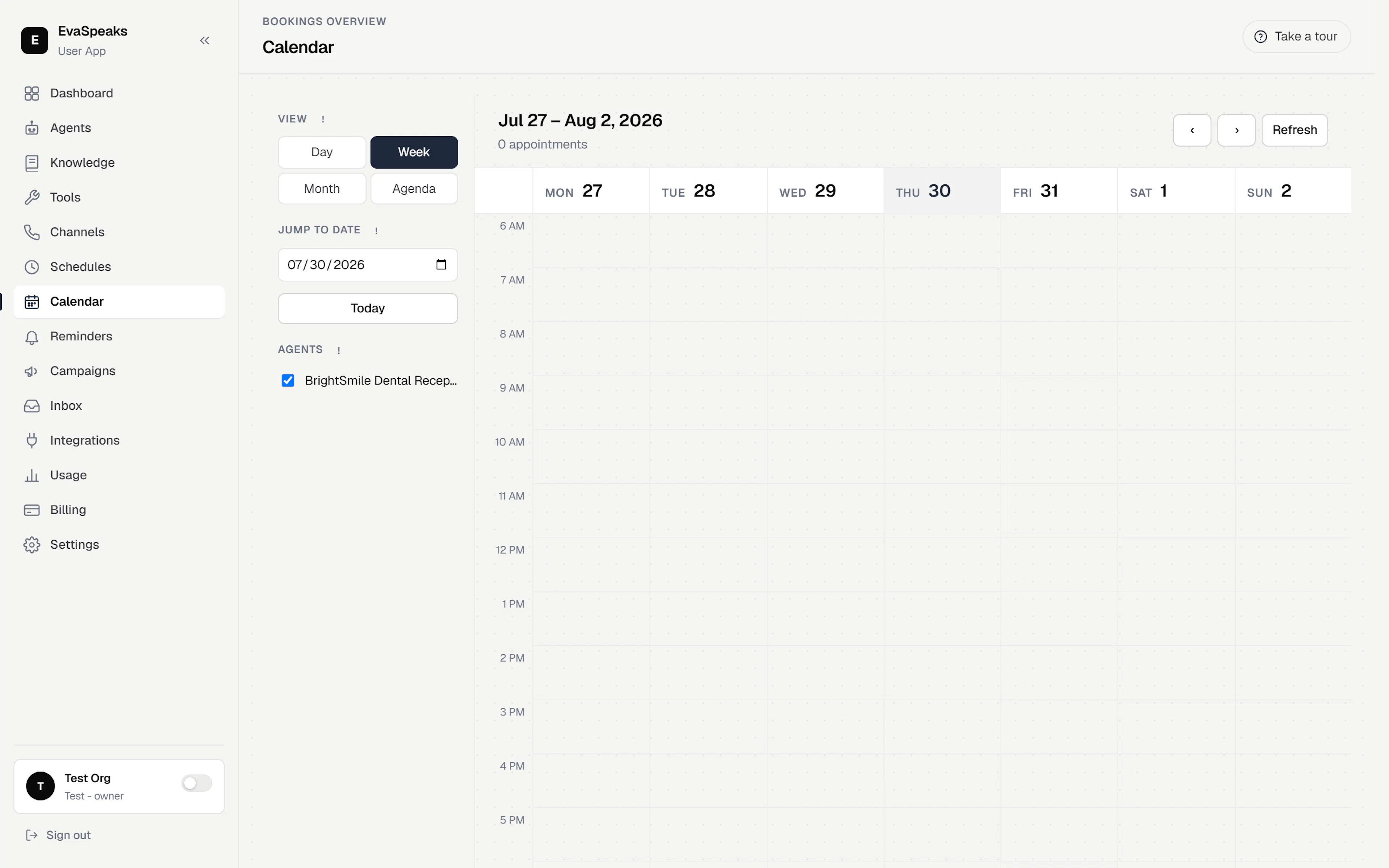
The Calendar shows the bookings your agents make, in week or day view (with month and agenda layouts too). Use the sidebar to switch views, jump to a date, or snap back to Today.
Two filters narrow what you see:
- By agent — show only bookings handled by the agents you check.
- By calendar — filter to a specific connected calendar (each one has its own color).
Click any booking to open its detail drawer — who it's for, when, which agent and calendar, and its reminders. New bookings stream in automatically; use Refresh to force a sync with connected calendars.
Reminders
A booking can carry automatic reminders so the caller doesn't miss it. You choose the mix — a reminder email, SMS, or call (plus an escalation to a backup contact if a reminder can't be delivered) — in the Book appointment skill's settings, where the confirmation and reminder options live together.
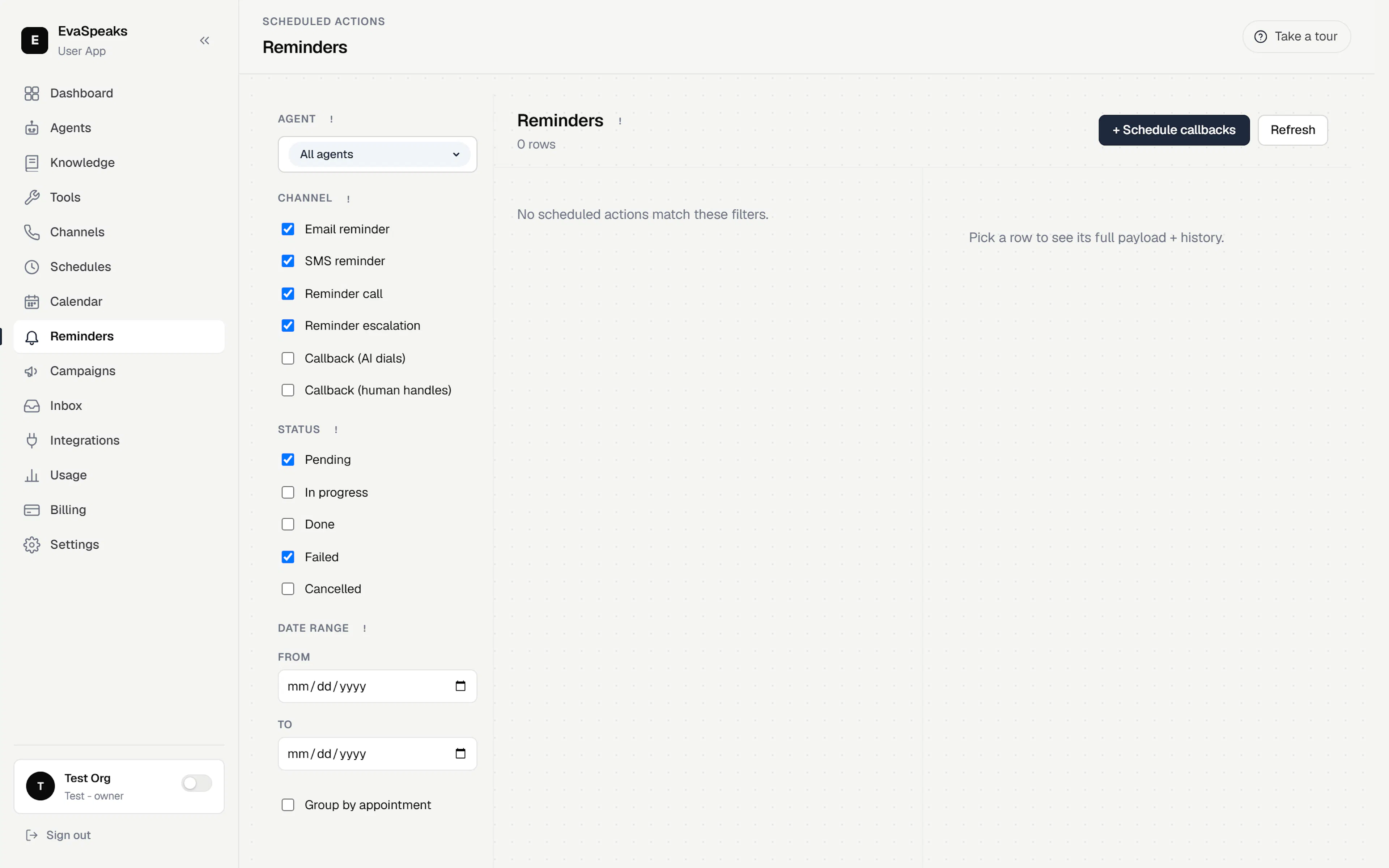
The Reminders view then lists every reminder, follow-up call, and escalation queued across your workspace, grouped by day. Each row shows its channel, recipient, and status:
- Pending — waiting for its due time.
- In progress — currently firing.
- Done, Failed, or Cancelled — finished.
Filter by agent, channel, status, or date range. From a row you can Cancel a reminder (for example, when the appointment was cancelled outside the app) or Retry one that failed.
Note — Reminders require a plan that includes them. If reminders aren't going out, check your plan under Plans, usage & billing.
Business hours (Schedules)
Under Schedules you define named open and closed hours — for example "Sales hours" or "Support 24/7". Your agents reference these windows so they only offer open times and route transfers correctly, hanging up or handing off appropriately when a department is closed.